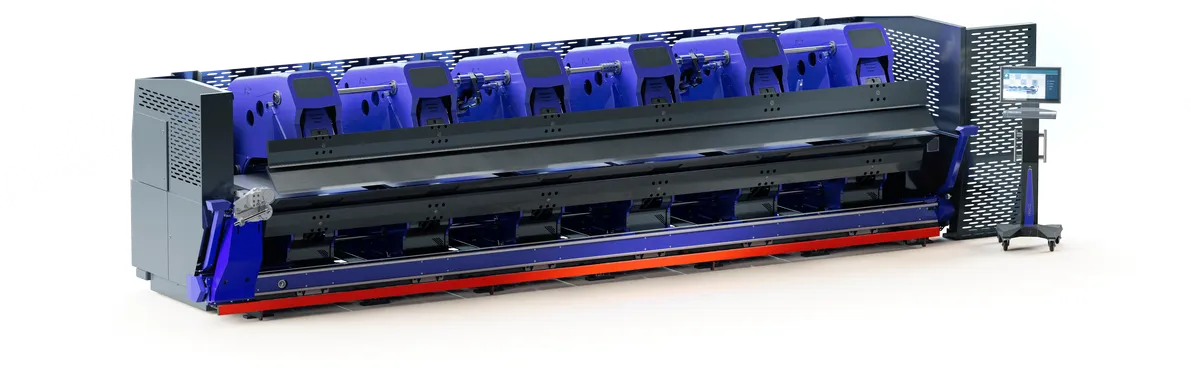
Intuitive Operation with smart features
Slinet S-Touch
Easy to Use and optimal performance
Software That Sets New Standards
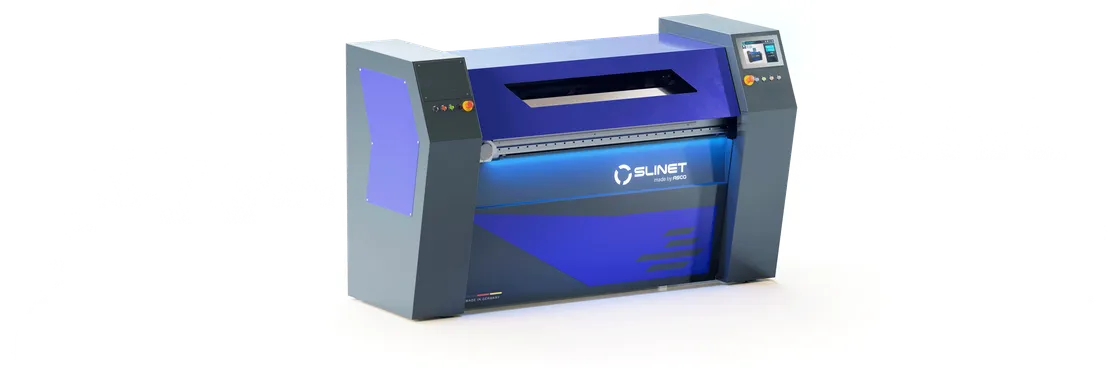
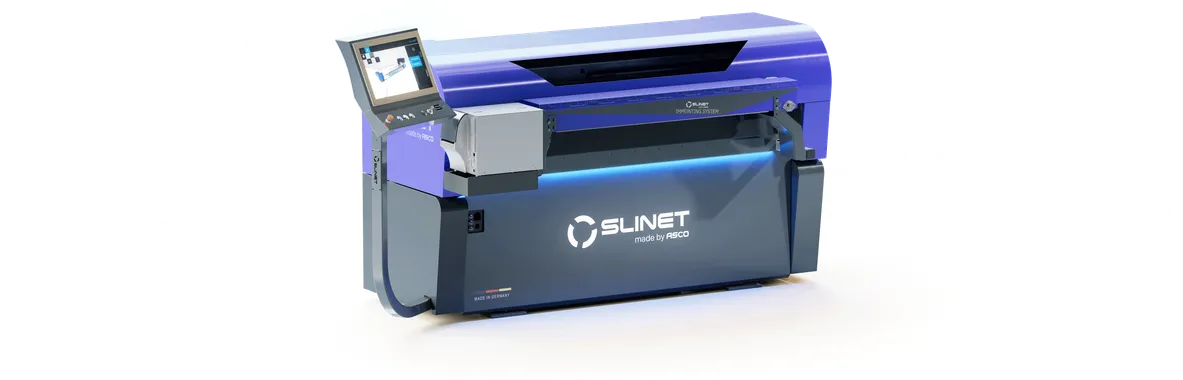
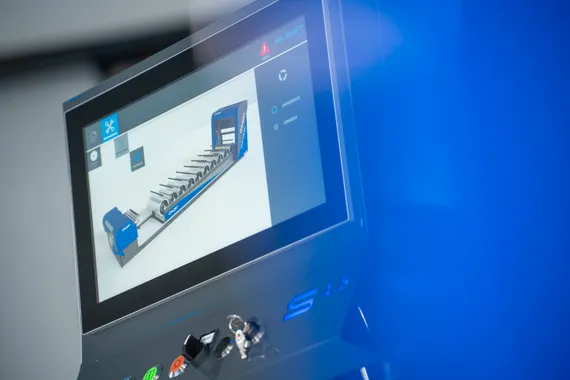
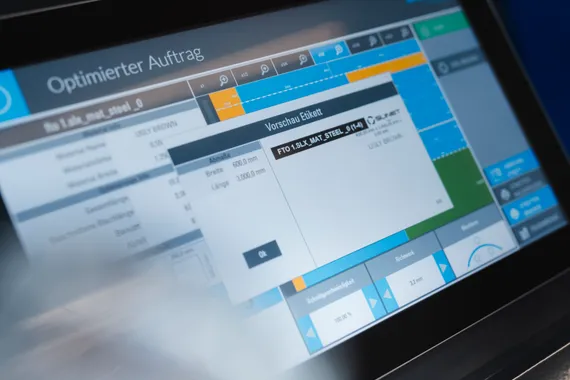
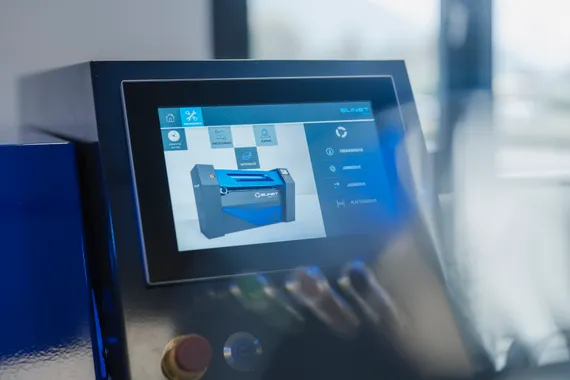
The standard Slinet Pro Touch software impresses with its clearly structured design and intuitive user interface. Jobs can be created quickly, reliably, and without unnecessary complexity. Cuts, blade positions, material data, quantities, and job management are clearly organized and designed to support efficient workflows in daily production.
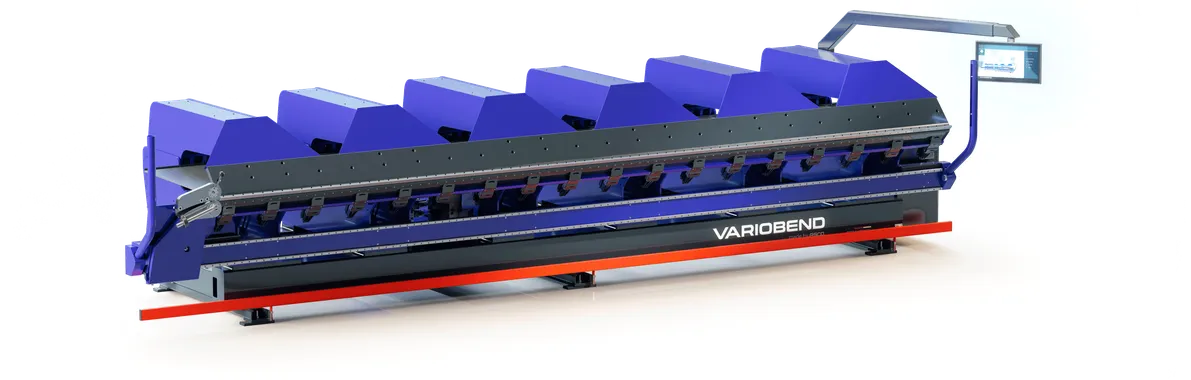
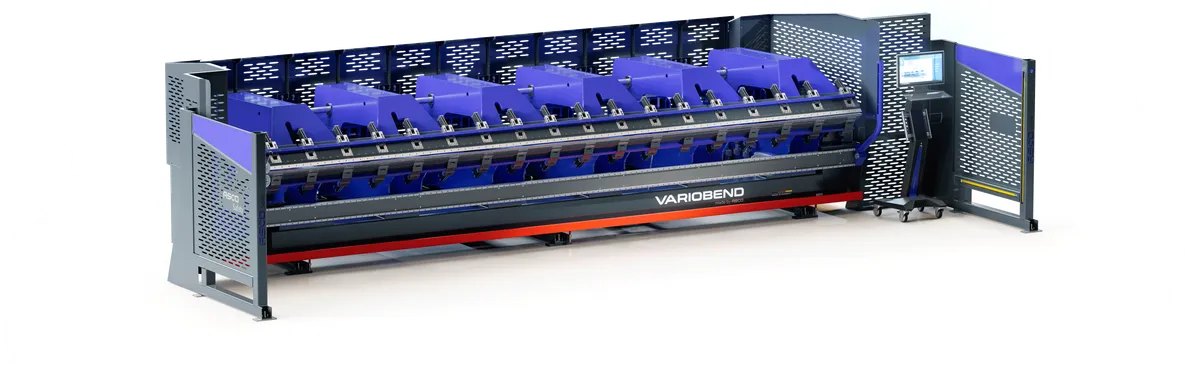
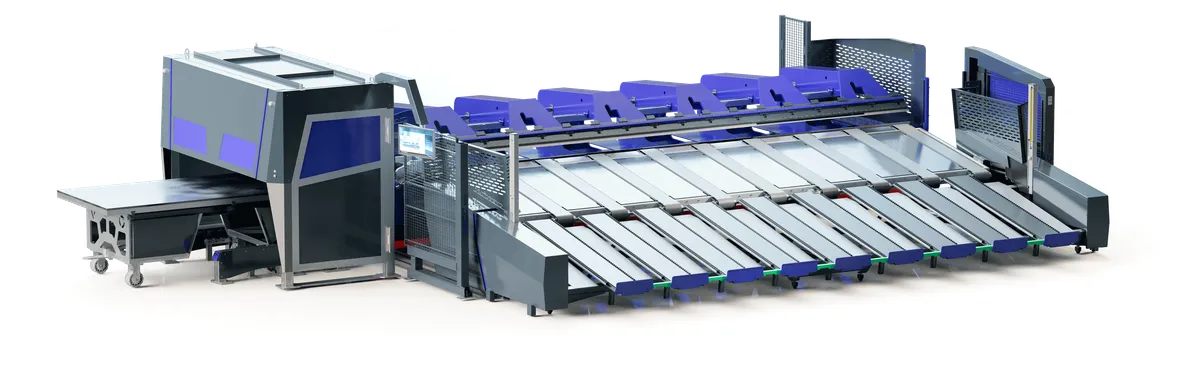
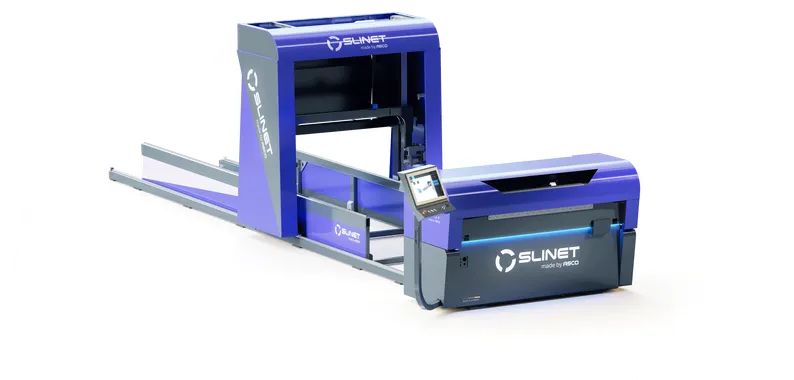
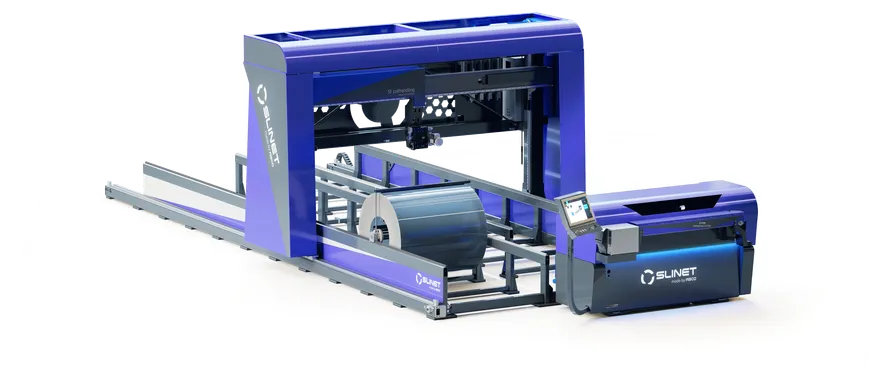
A particular advantage lies in its connectivity: Slinet Pro Touch can be connected to the Variobend V-Touch control system and digital applications such as the Variobend app. This allows job and profile data to be transferred from the office or a mobile device to the blanking system and on to the continuous press brake. This reduces manual data entry, minimizes sources of error, and creates a networked workflow from the coil to the finished profile.
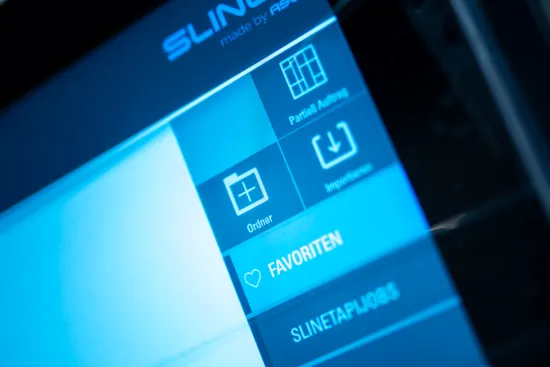
Slinet S-Touch Job Management
In Job Management, you can create as many folders and jobs as you like. An optional list view of the jobs allows the operator to view the jobs in the most convenient way. The import function supports a variety of file formats. In addition, an export function enables a wide range of machine integrations. Jobs can be moved or copied with a simple tap.
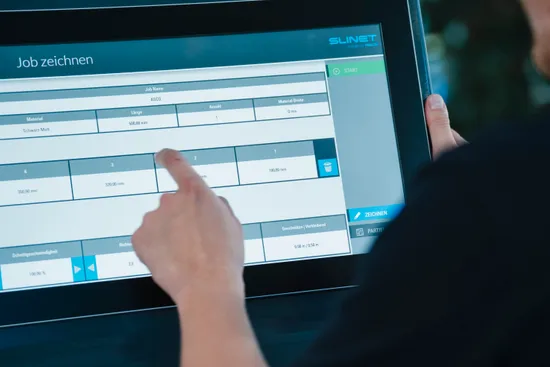
Slinet S-Touch Drawing mode
You can create new jobs quickly and easily in the drawing screen. Add up to 9 strips. In this mode, you can also program partial cuts. Select the material to be cut from the material database or by clicking on the desired coil. The simulation provides a graphical representation of the programmed job. If a coil storage system is connected, the entire process runs fully automatically once the order is approved.
S-Touch Features

Partielles Schneiden
The optional partial cutting feature optimizes job layout while minimizing waste. Operation is simple and requires no programming knowledge.

Simulation
The simulation visualizes planned cuts before production begins. This makes it easier to control processes, prevents cutting errors, and ensures efficient use of material.

Flaches UX-Design
The flat UX design ensures a clean, minimalist user interface. Features are easy to grasp and enable intuitive, user-friendly operation.

Grundmodus
In Basic Mode, you can create cut lists quickly and easily. It’s designed for simple data entry, clear workflows, and efficient production without complex programming.

Datenbank
Using the stored database, cutting gap settings are automatically applied based on the specific material.

Jobverwaltung
In Job Management, you can easily create, import, export, move, or copy folders and jobs. This ensures clear structures and efficient job workflows.

Verschnittoptimierung
Cutting optimization makes efficient use of material and calculates cutouts to minimize waste. This leads to cost-effective production, better capacity utilization, and lower material costs.

Touch-Bedienung
The touchscreen interface allows for quick, intuitive control directly on the panel. This ensures clear input, minimal movement, and efficient workflows in daily operations.
Request now
Do you have questions about Variobend or Slinet machines, need a custom quote, or want to learn more about our straightening and bending technology? Contact us—we’ll be happy to advise you personally.
Moritz Glas
ASCO Sales Team—we're happy to assist you!